16-09-2021
How to transfer TOTP profiles from Authy to a Token2 hardware token
 Authy remains one of the most popular TOTP application used for 2FA due to its user-friendly features, such as centralized backup. As this feature is based on phone numbers (Authy uses your mobile phone number to identify or reset your account), which may be vulnerable to sim-swap attacks, some users may want to migrate from Authy to hardware tokens. Or, alternatively, users may need to clone/backup their existing TOTP profiles to hardware tokens.
 TOTPRadius can be used if you need to have hardware tokens as the second factor for two-factor authentication with Windows Server based PPTP VPN. You can enroll the same tokens as with Azure MFA, so your users can use the same hardware token for both Office 365 and VPN Access. The guide below explains how you can integrate TOTPRadius with Windows Server to achieve this.
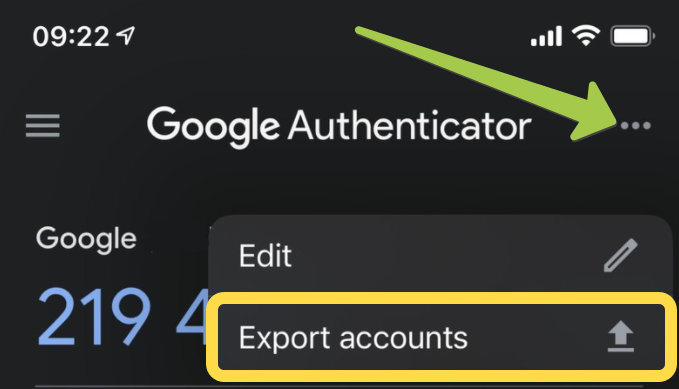 Presenting Token2 Migration toolset, a tool to convert the Google Authenticator's export file to formats possible to be uploaded or burnt to Token2 hardware tokens.
 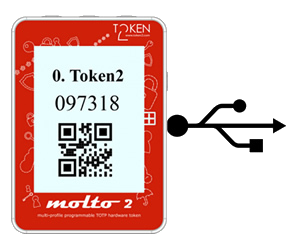 A new version of our popular Molto-2 token is coming.
  Starting from v0.2.5 TOTPRadius provides new ways of connecting to your corporate VPN systems based on L2TP, such as Meraki Client VPN or Fortinet VPN . The new web-based VPN portal allows logging in using additional methods, such as FIDO Security keys, both in Passwodless mode (if FIDO2 keys are used) and using the keys as the second factor (allowing to use legacy U2F FIDO hardware), as well as Azure AD SSO via OAuth2 protocol.
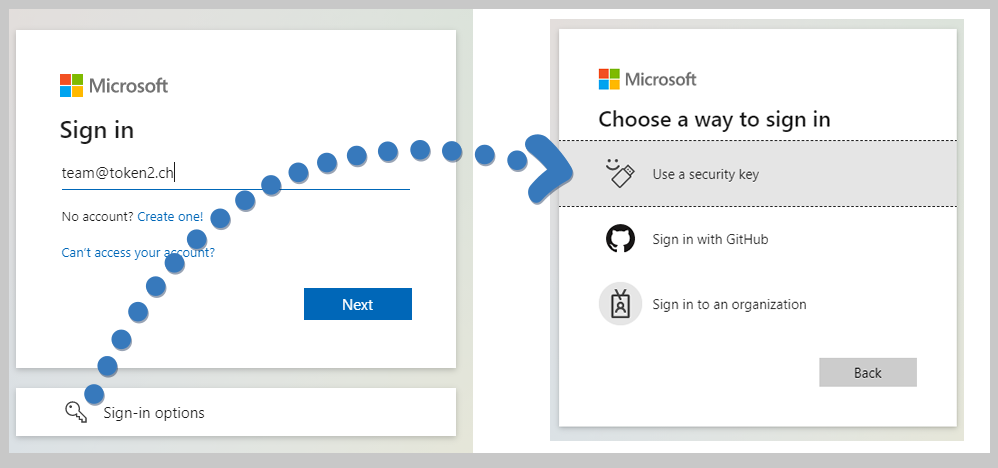 FIDO2 keys as a security method is available with Microsoft Azure AD for already a couple of years now. Being the most secure access method available for Office 365 user access, enrolling FIDO2 security keys had a requirement of MFA to be configured for the users, which made it useless for use cases where users do not have (or do not want) to use multiple devices to log in. This has finally changed!
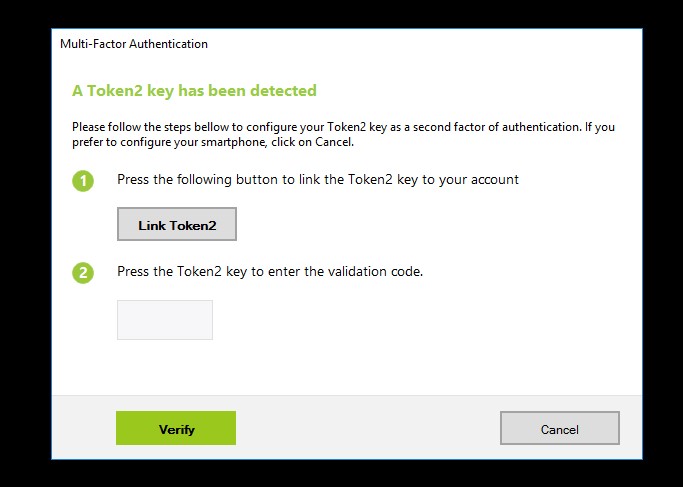 UserLock now supports the use of Token2 Security keys as a second factor authentication.
 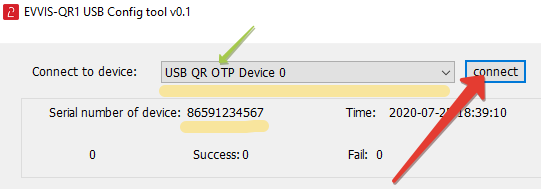 With NFC tokens, the provisioning is done by the IT person equipped with software and hardware that allows burning seeds onto programmable hardware tokens (i.e. an Android device with NFC, iPhone 8 or newer for “-i” models etc.). . However, we have many customers asking if this process can be done by end-users in a fully autonomous manner.
  VMware Horizon View enables you to access a virtual desktop from anywhere, anytime.
 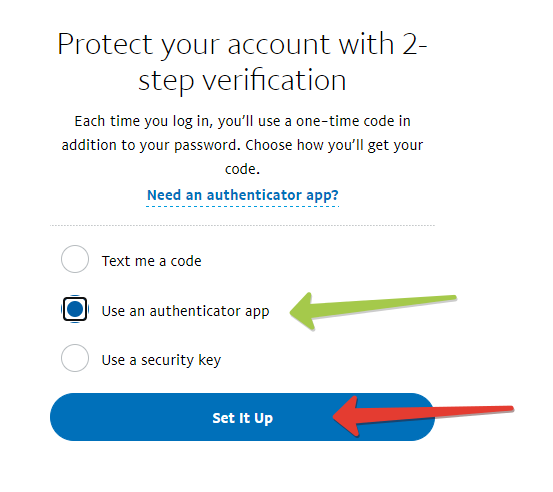 Until around 2019, PayPal offered two-factor authentication security via SMS only. And while SMS 2FA is better than no 2FA at all, users wanted better protection. Now you can secure your PayPal account with a hardware token, by using Token2 programmable hardware token as a drop-in replacement of mobile authenticator apps.
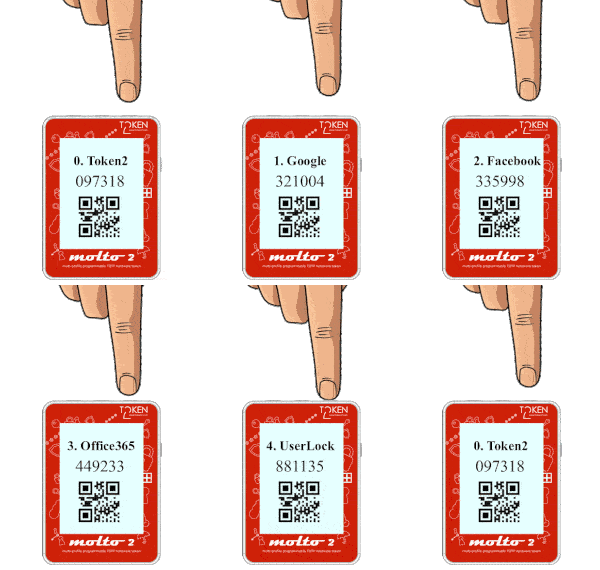 About a year ago, we released Token2 Molto-1, the world's first programmable multi-profile hardware token. While Molto-1 is still the only solution of its kind currently available on the market, we will be soon releasing a new variation of a multi-profile hardware token, in a different form-factor and with a different set of features available.
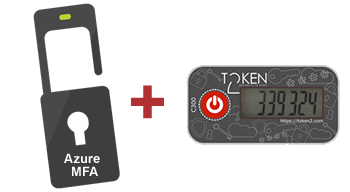 Many customers are asking about the best practices on provisioning the programmable hardware tokens in situations when end-users are working remotely and cannot burn the tokens themselves, so IT support has to take care of the burning process. To remind, using programmable hardware tokens is the only way to have a hardware token for MFA if the user is not licensed for Azure AD Premium.
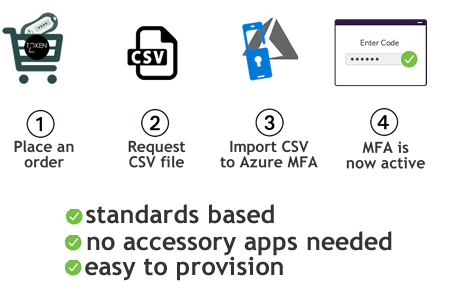 Token2 has developed a solution to automate the activation of imported hardware tokens with Azure MFA.
 Today, we are presenting a new type of TOTP hardware tokens — USB Programmable token that displays the OTP value as a QR code and also can send the current OTP value over USB as a part of its HID emulation feature.
 We have published integration guides for two popular products, Nextcloud and Fortinet
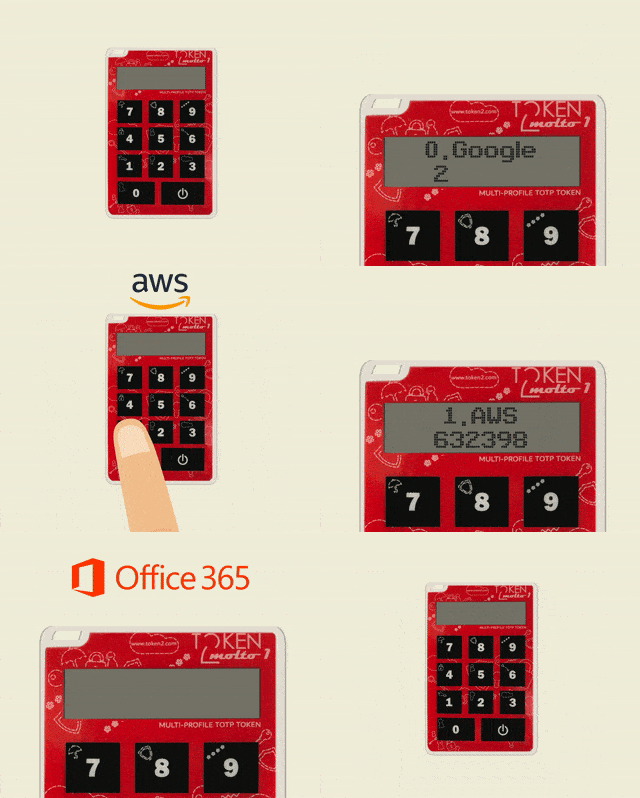 Token2 Molto-1-i can now be configured and provisioned using iOS, in addition to Android and Windows.
 A detailed guide on how to use Token2 TOTP hardware tokens with ESET Secure Authentication solution was published.